Best LinkedIn Carousel Generator Tools in 2026: Create Scroll-Stopping Posts Without Design Skills
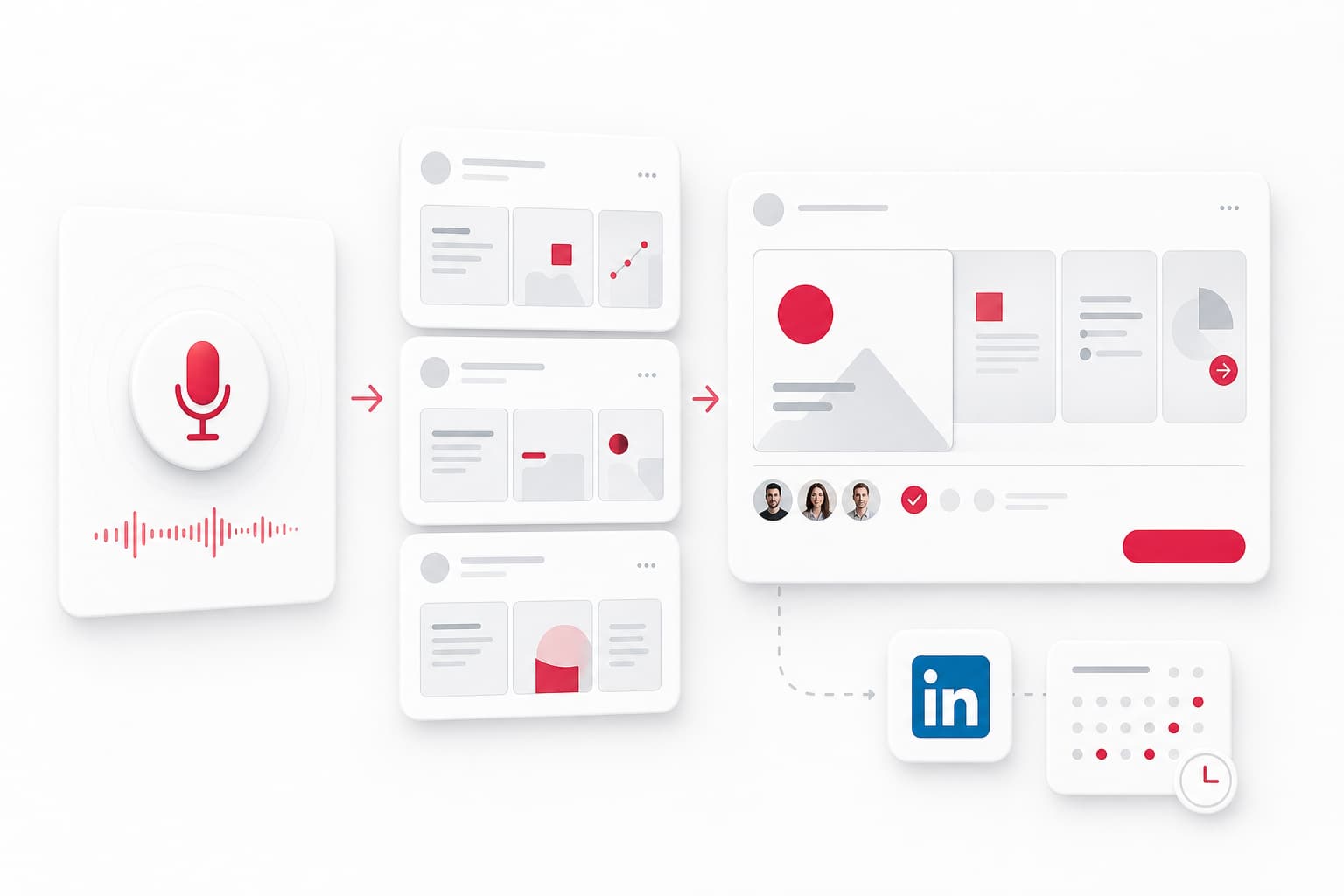
A linkedin carousel generator solves a specific problem: you have expertise to share, but not the design skills or time to turn it into swipeable, professional content. In 2026, these tools have matured beyond simple PDF converters into full content systems that transform ideas, voice notes, or blog posts into ready-to-publish carousel posts in minutes.
This guide breaks down what these tools do, compares the leading options, and walks through a practical workflow for creating your first carousel—even if you've never touched design software.
What Is a LinkedIn Carousel Generator and Why Does It Matter in 2026
A LinkedIn carousel generator is a tool that helps you create multi-slide PDF documents optimized for LinkedIn's carousel post format. You upload text, paste a link, or speak an idea, and the tool outputs a designed PDF you can post directly.
Why does this matter for LinkedIn engagement in 2026? Carousel posts consistently outperform static images and text-only posts in the LinkedIn algorithm. They generate more dwell time (each swipe counts as engagement), invite interaction, and signal to LinkedIn that your content is worth surfacing.
For B2B founders, consultants, and anyone building visibility on professional networking platforms, carousels offer a format that matches how people consume information: bite-sized, visual, sequential.
The shift in 2026 is that these tools now handle more than layout. The best ones generate content suggestions, preserve your voice, and fit into broader content automation workflows.
How LinkedIn Carousels Work: Format Requirements and Best Practices
Before picking a tool, understand the technical constraints.
PDF Carousel Specs for LinkedIn (2026):
- Format: PDF only (LinkedIn doesn't support PowerPoint or image sequences directly)
- Dimensions: 1080×1350 pixels (4:5 ratio) for optimal mobile display
- File size: Under 100MB (most tools export well under this)
- Slide count: LinkedIn supports up to 300 pages, but engagement peaks between 6-10 slides
Slide Design Principles That Drive Swipes:
- Cover slide: Hook with a clear benefit or bold statement. No logo walls.
- One idea per slide: Dense slides kill engagement. Aim for 20-40 words maximum.
- Visual hierarchy: Use contrast, whitespace, and consistent fonts. Avoid cluttered backgrounds.
- CTA slide: End with a clear action—comment, follow, or check the link in your profile.
- Readable on mobile: Most LinkedIn browsing happens on phones. Test at actual size.
The best linkedin carousel maker tools enforce these constraints automatically through templates and AI suggestions.
Top LinkedIn Carousel Maker Tools Compared for 2026
Here's how the leading linkedin carousel tool options stack up:
Reepl
Best for: Founders who want voice-to-carousel workflows and full content pipelines
- Accepts voice notes, text, or links as input
- AI generates slide content while preserving your tone
- Brand kit support (fonts, colors, logos)
- Native scheduling and queue management
- Pricing: Free tier with limited exports; paid plans from $19/month
Taplio
Best for: LinkedIn-focused creators who want scheduling and analytics in one place
- AI carousel generation from topics or existing content
- Template library with customization options
- Built-in LinkedIn scheduler and engagement tracking
- Pricing: Free carousel generator; full platform from $39/month
PostNitro
Best for: Teams needing brand consistency across multiple creators
- AI-powered linkedin carousel creator with voice customization
- Team collaboration and approval workflows
- Bulk export for agencies
- Pricing: Free tier; paid from $15/month
aiCarousels
Best for: Quick, one-off carousel creation without login friction
- Paste text or URL, get a carousel in seconds
- Simple theme selection
- No account required for basic use
- Pricing: Free with watermark; remove for $9/month
2pr.io
Best for: Repurposing long-form content into carousels
- Input a blog post or article, get a summarized carousel
- Automatic key point extraction
- Limited design customization
- Pricing: Free tier; paid from $12/month
Quick Comparison:
| Tool | AI Content | Voice Input | Scheduling | Free Tier | Starting Price |
|---|---|---|---|---|---|
| Reepl | Yes | Yes | Yes | Yes | $19/mo |
| Taplio | Yes | No | Yes | Yes | $39/mo |
| PostNitro | Yes | No | Export only | Yes | $15/mo |
| aiCarousels | Yes | No | No | Yes | $9/mo |
| 2pr.io | Yes | No | No | Yes | $12/mo |
AI-Powered Carousel Generation: How It Works and What to Expect
Modern linkedin post generator tools use AI to handle the heavy lifting. Here's what actually happens under the hood:
- Input capture: You provide a topic, paste existing content, drop a URL, or record a voice note.
- Content extraction: The AI identifies key points, structures them into a narrative arc, and breaks them into slide-sized chunks.
- Theme application: Design templates get applied—colors, fonts, layouts that match your brand kit.
- Voice preservation: Better tools analyze your writing style and adjust phrasing to match. This is where cheap tools fall short—they produce generic, interchangeable copy.
- Human review: You edit, reorder, or regenerate individual slides before exporting.
What to expect in practice:
- First drafts are 70-80% usable. Plan to edit headlines and tighten phrasing.
- Voice notes work surprisingly well for founders who think out loud. Three minutes of talking can yield a full carousel.
- Link-to-carousel features vary. Some tools just scrape headlines; others genuinely summarize.
The goal of linkedin content creation with AI isn't to remove your involvement—it's to remove the friction of starting from a blank slide.
Free vs Paid LinkedIn Carousel Generators: Which Option Fits Your Workflow
Every linkedin carousel generator offers a free tier, but the limitations differ significantly.
What Free Tiers Typically Include:
- 3-5 carousel exports per month
- Watermarks on exported PDFs
- Limited template selection
- Basic AI content generation
- No scheduling or queue features
What Paid Tiers Unlock:
- Unlimited exports
- Full template and customization access
- Brand kit support (upload your fonts, colors, logo)
- Native scheduling to LinkedIn
- Team collaboration features
- Priority AI models for better content quality
Decision Framework:
| Your Situation | Recommendation |
|---|---|
| Testing the format, posting 1-2x/month | Free tier (aiCarousels or Taplio) |
| Building consistent cadence, posting weekly | Paid tier with scheduling (Reepl or Taplio) |
| Agency or team creating for multiple brands | PostNitro or Reepl paid tiers |
| Repurposing existing blog content | 2pr.io free tier to start |
For social media marketing at scale, the scheduling and brand consistency features justify paid plans. For occasional posting, free tools work fine.
Step-by-Step: Creating Your First LinkedIn Carousel in Minutes
Here's a practical workflow to create linkedin carousel content without design skills:
Step 1: Capture Your Idea (2 minutes) Open your notes app or voice recorder. Answer one question: "What's one thing I learned this week that others in my space would find useful?"
Record a 2-3 minute voice note explaining it, or write 3-5 bullet points.
Step 2: Generate the Draft (1 minute) Paste your text or upload your voice note to your chosen linkedin carousel maker. Select a template that matches your brand.
Let the AI generate the initial slides.
Step 3: Edit for Clarity (3-5 minutes)
- Rewrite the cover slide hook if it feels generic
- Cut any slide with more than 40 words
- Check that each slide has one clear point
- Ensure the CTA slide has a specific action
Step 4: Export and Post (1 minute) Download the PDF. Post to LinkedIn with a text caption that hooks readers into swiping.
Pro tip: Your text caption should tease the carousel content, not summarize it. "I made 3 mistakes scaling our sales team. Slide 4 cost us $50K." works better than listing all the points.
Total time: Under 10 minutes from idea to published post.
Carousel Content Strategy: What to Post and How Often
LinkedIn content creation works best with a repeatable system, not random inspiration.
Content Themes That Work for Carousels:
- Lessons learned: "What I'd tell myself 2 years ago about [topic]"
- Process breakdowns: "How we [achieved result] in [timeframe]"
- Mistake post-mortems: "3 decisions that hurt our [metric]"
- Framework explanations: "The [name] framework for [outcome]"
- Hot takes with evidence: "Why [common practice] doesn't work for [context]"
Posting Cadence: Most B2B founders see results posting 1-2 carousels per week, mixed with text posts and occasional videos. Carousels shouldn't be your only format—they're high-effort, high-reward content that anchors your week.
Storytelling Structure for Slides:
- Hook (slide 1)
- Context/problem (slides 2-3)
- Key insight or lesson (slides 4-7)
- Actionable takeaway (slide 8-9)
- CTA (final slide)
This structure keeps readers swiping and gives them a clear payoff.
Mobile and Desktop Accessibility: Creating Carousels Anywhere
Not every linkedin carousel creator works well on both devices. Here's what to expect:
Desktop-First Tools:
- Taplio, PostNitro, 2pr.io work best in a browser on desktop
- Full editing features, drag-and-drop functionality
- Better for batch creation and detailed customization
Mobile-Friendly Tools:
- Reepl and aiCarousels have responsive interfaces that work on phones
- Voice note capture is naturally mobile-first
- Quick edits and scheduling possible on the go
Practical Workflow: Capture ideas on mobile (voice notes, quick text). Edit and finalize on desktop when precision matters. Schedule from wherever you are.
For founders who capture insights throughout the day—in meetings, after sales calls, while commuting—mobile voice capture is a game-changer for visual content production.
Frequently Asked Questions
What file format do I need for LinkedIn carousel posts?
LinkedIn requires PDF format for carousel posts. The recommended dimensions are 1080×1350 pixels (4:5 ratio) for optimal mobile display. File size should stay under 100MB, though most carousels are far smaller. All linkedin carousel generator tools export in PDF automatically.
Can I create LinkedIn carousels for free without design skills?
Yes. Tools like Reepl, Taplio, aiCarousels, and PostNitro offer free tiers that include AI-generated content and pre-built templates. Free limitations typically include watermarks, limited exports (3-5/month), and restricted template access. For occasional posting, free tiers are sufficient.
How many slides should a LinkedIn carousel have?
The engagement sweet spot is 6-10 slides. This provides enough depth to deliver value while respecting attention spans. Always include a strong cover slide (hook) and a final CTA slide. LinkedIn supports up to 300 slides, but engagement drops sharply after 12-15.
Do AI carousel generators preserve my personal voice and brand?
Better tools like Reepl and PostNitro allow voice customization through writing samples, tone settings, and brand kits (fonts, colors, logos). The key is human review before publishing—treat AI output as a draft, not final content. Edit headlines, adjust phrasing, and ensure it sounds like you.
Can I schedule LinkedIn carousels directly from these tools?
Some tools offer native scheduling (Reepl, Taplio), while others are export-only (aiCarousels, 2pr.io). If scheduling matters for your workflow, confirm this feature before committing to a paid plan. Export-only tools can still integrate with separate LinkedIn schedulers.
Start Building Your Carousel Workflow
The right linkedin carousel generator removes friction between your ideas and published content. Start with a free tier to test the format. Once you've posted 3-4 carousels and seen how your audience responds, consider paid features that match your cadence—scheduling, brand kits, or voice note input.
The goal isn't just creating carousels. It's building a system where your insights become visible content without eating your week.
If you're looking for a supervised content pipeline that turns voice notes into posts, carousels, and more—while keeping you in control before anything publishes—explore how YALG fits into your workflow.