Best AI LinkedIn Post Generators in 2026: Tools to Create Engaging Content Faster
Creating consistent, engaging LinkedIn content is exhausting. Between generating fresh ideas, crafting compelling hooks, and maintaining your authentic voice across dozens of posts each month, the creative burden quickly becomes overwhelming. That's exactly why an AI LinkedIn post generator has become an essential tool for creators, consultants, coaches, and marketing teams in 2026.
These tools promise to slash content creation time while maintaining the professional quality your audience expects. But with so many options flooding the market, how do you separate genuinely useful LinkedIn content generators from overhyped gimmicks?
This guide breaks down everything you need to know: what these tools actually do, how we evaluated them, the best free and premium options available as of July 2026, and practical strategies for maintaining authenticity while leveraging AI efficiency.
What Is an AI LinkedIn Post Generator and Why Use One in 2026
An AI LinkedIn post generator is a content creation AI tool specifically designed to help you draft professional networking content for LinkedIn. These tools use large language models to transform your ideas, stories, or prompts into polished posts optimized for the platform's unique format and algorithm.
Unlike generic writing assistants, dedicated LinkedIn generators understand the platform's conventions: the value of strong hooks, the power of line breaks for readability, the importance of engagement triggers, and the professional tone that resonates with B2B audiences.
Why they matter in 2026:
- Content fatigue is real. Maintaining a consistent posting schedule across multiple platforms drains creative energy fast.
- LinkedIn's algorithm rewards consistency. Regular posting significantly impacts visibility, but quality can't slip.
- Time is finite. Most professionals can't dedicate hours daily to content creation.
- Competition has intensified. More creators are fighting for attention, raising the quality bar.
The best AI post writers for LinkedIn don't replace your voice—they amplify it by handling the heavy lifting of structure, formatting, and initial drafting while you focus on injecting personal insights and stories.
How We Evaluated the Best AI LinkedIn Post Generators
Not all LinkedIn post creator tools deliver equal value. We assessed each tool against criteria that actually matter for professional branding and real-world workflow integration:
Output Quality
- Does the generated content sound natural or robotic?
- Are hooks compelling enough to stop the scroll?
- Does the tool understand LinkedIn-specific formatting?
Voice Customization
- Can you train the AI on your writing style?
- Does it adapt to different tones (thought leadership, storytelling, promotional)?
- How much editing is required to match your authentic voice?
Engagement Optimization
- Does the tool incorporate engagement triggers (questions, calls to action)?
- Are outputs structured for the LinkedIn algorithm?
- Does it suggest hashtags or posting times?
Ease of Use
- How quickly can you generate usable content?
- Is the interface intuitive for daily use?
- What's the learning curve for new users?
Integration & Workflow
- Does it connect with scheduling tools?
- Can you manage content calendars within the platform?
- Does it support analytics or performance tracking?
Pricing Transparency
- Are costs clear and predictable?
- Does the free tier offer genuine value?
- Is the paid version worth the investment?
Top AI LinkedIn Post Generators Compared: Features, Pricing, and Output Quality
Here's how the leading AI-powered LinkedIn content tools stack up as of mid-2026:
YALG (Yet Another LinkedIn Generator)
Best for: Multi-platform creators who want authentic, story-driven content
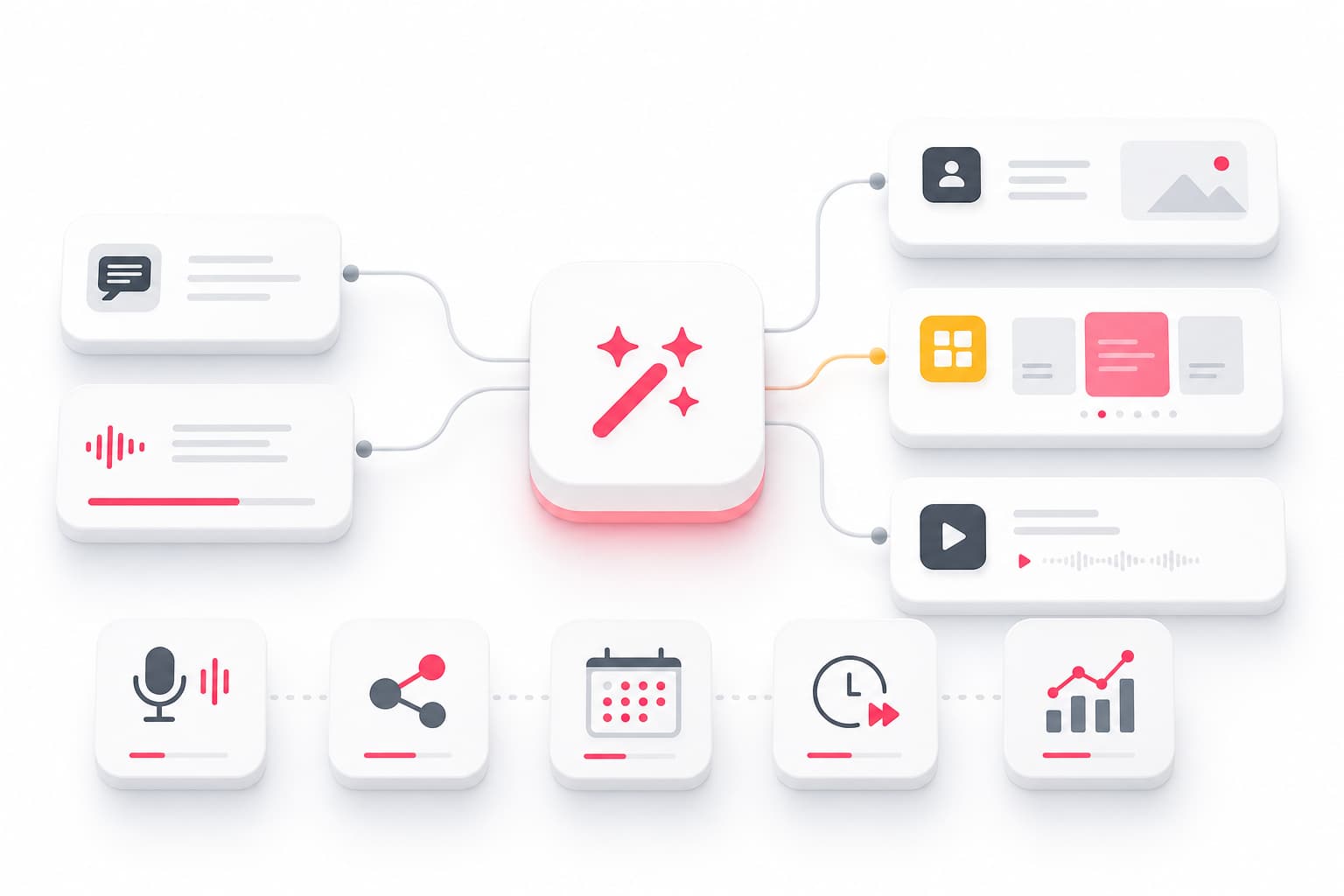
YALG stands out by building content from your personal stories and anecdotes. You add experiences via text or voice recording, and the AI transforms them into LinkedIn posts, Instagram carousels, and YouTube scripts—all maintaining your consistent voice across platforms.
- Key features: Story library (text + voice), multi-format generation, voice learning AI, Autopilot scheduling, unified analytics
- Pricing: Free tier available; paid plans scale with usage
- Strength: Authenticity-first approach that reduces creative fatigue
- Consideration: Best value when you use multiple platforms
Taplio
Best for: LinkedIn-focused growth strategists and personal brands
Taplio combines AI content generation with robust analytics and engagement tools. It's particularly strong for users who want to build systematic LinkedIn growth strategies.
- Key features: AI post generation, carousel maker, engagement tools, CRM features, scheduling
- Pricing: Starts around $39/month
- Strength: All-in-one LinkedIn marketing tool
- Consideration: Higher learning curve for full feature utilization
AuthoredUp
Best for: Writers who prioritize formatting control and preview accuracy
AuthoredUp focuses on the writing experience with a powerful editor that shows exactly how posts will appear on LinkedIn, plus formatting tools and hook templates.
- Key features: WYSIWYG editor, formatting shortcuts, hook library, scheduling, analytics
- Pricing: Free basic version; premium around $20/month
- Strength: Superior editing experience and preview accuracy
- Consideration: AI features less advanced than dedicated generators
Copy.ai
Best for: Teams needing versatile AI writing across multiple content types
Copy.ai offers LinkedIn post templates within a broader content generation platform. It's ideal for teams already using AI writing for other marketing needs.
- Key features: Multiple content templates, brand voice settings, workflow automation
- Pricing: Free tier with limits; Pro from $49/month
- Strength: Versatility across content types
- Consideration: LinkedIn-specific optimization less refined than specialists
Jasper
Best for: Enterprise teams with complex brand guidelines and high volume needs
Jasper provides robust brand voice controls and team collaboration features, making it suitable for agencies and larger marketing departments.
- Key features: Brand voice AI, team collaboration, campaign management, integrations
- Pricing: Creator plan from $49/month; Teams significantly higher
- Strength: Enterprise-grade controls and scalability
- Consideration: Overkill for individual creators
Best Free AI LinkedIn Post Generators Worth Trying
Budget constraints shouldn't prevent you from exploring automated LinkedIn posts. These free options deliver genuine value:
ChatGPT (Free Tier)
While not LinkedIn-specific, ChatGPT can generate solid LinkedIn drafts when prompted correctly. The key is providing detailed context about your voice, audience, and goals. You'll need to handle formatting manually.
YALG Free Tier
Offers core story-to-post generation with limited monthly outputs. Ideal for testing whether story-based content creation matches your workflow before committing to paid plans.
AuthoredUp Free Version
The free tier includes the formatting editor and preview features, though AI generation is limited. Great for creators who write their own content but want professional formatting tools.
LinkedIn's Native AI Features
LinkedIn has integrated basic AI writing assistance directly into the post composer as of 2026. While limited in customization, it's useful for quick drafts and doesn't require any additional tools.
What to expect from free tools:
- Fewer monthly generations or word limits
- Basic voice customization
- Manual scheduling (no autopilot features)
- Limited or no analytics
Free tiers work well for testing social media automation concepts before investing in premium features.
Premium AI LinkedIn Post Generators for Serious Content Creators
When content creation is central to your B2B content strategy, premium tools pay dividends through advanced features:
Voice Matching Technology
Premium tools analyze your existing content to learn your writing patterns, vocabulary preferences, and tone. The AI then generates drafts that require minimal editing to sound authentically you.
Workflow Integration
Connect your LinkedIn content generator directly to scheduling platforms, team calendars, and analytics dashboards. This eliminates copy-pasting and streamlines your entire content operation.
Advanced Content Types
Beyond standard posts, premium tiers typically unlock carousel creation, document formatting, poll suggestions, and even thought leadership posts structured for maximum shareability.
Analytics and Optimization
Understand which AI-generated posts perform best, identify patterns, and feed those insights back into future content generation. This feedback loop continuously improves output quality.
Team Collaboration
For agencies and marketing teams, premium plans enable approval workflows, shared content libraries, and consistent brand voice across multiple creators.
Expected investment: Serious LinkedIn marketing tools typically range from $20 to $100+ per month depending on features, usage limits, and team size.
How to Maintain Your Authentic Voice When Using AI Post Generators
The biggest fear with automated LinkedIn posts is sounding generic. Here's how to preserve your professional branding while leveraging AI efficiency:
Start with your stories, not blank prompts
The more specific context you provide—real experiences, genuine opinions, actual results—the more authentic the output. Generic prompts produce generic content.
Build a story library
Document your professional anecdotes, client transformations, lessons learned, and contrarian opinions. Use these as fuel for AI generation rather than starting from scratch each time.
Edit ruthlessly
Treat AI output as a first draft, not final copy. Add your unique expressions, remove phrases that don't match your voice, and inject personality the AI can't replicate.
Train the AI consistently
Tools with voice learning improve over time. Provide feedback on outputs, save posts that nail your voice, and let the AI learn from patterns in your best content.
Mix AI-assisted with fully original content
Not every post needs AI involvement. Balance efficiency-driven generation with posts you craft from scratch to maintain creative muscles and ensure variety.
Review before publishing—always
No AI tool is perfect. A quick read-through catches awkward phrasing, factual errors, or tone mismatches that could damage credibility.
Best Practices for AI-Generated LinkedIn Posts That Actually Perform
Generation is only step one. These engagement optimization tactics ensure your content actually reaches and resonates with your audience:
Nail the hook
Your first line determines whether people expand your post. Make it specific, intriguing, or provocative. AI-generated hooks often need human sharpening to stand out.
Embrace white space
The LinkedIn algorithm favors posts that keep readers engaged longer. Short paragraphs, line breaks, and scannable formatting improve dwell time—and most generators understand this.
End with engagement triggers
Questions, calls to discussion, or invitations to share experiences boost comments. Ensure every post gives readers a clear next action.
Optimize posting cadence
Consistency matters more than frequency. LinkedIn scheduling through your chosen tool helps maintain regular presence without burning out on manual posting.
Test and iterate
Use analytics to identify which post types, hooks, and topics resonate. Feed those insights back into your generation prompts for continuous improvement.
Hashtag strategy
Use 3-5 relevant hashtags for discoverability. Many AI tools suggest hashtags, but verify they're actually used by your target audience.
Common Mistakes to Avoid When Using AI LinkedIn Content Generators
Even the best AI-powered LinkedIn content tools can undermine your credibility if misused:
Publishing unedited AI output
Raw AI generation often sounds slightly off—too formal, too generic, or missing your unique perspective. Always edit before posting.
Over-relying on templates
Repeating the same formats makes your content predictable. Vary post structures even when using the same tool.
Ignoring your unique insights
AI can structure ideas but can't generate original expertise. Your unique perspectives, data, and experiences are irreplaceable—don't dilute them with generic filler.
Posting without reviewing for accuracy
AI can confidently state incorrect information. Verify any facts, statistics, or claims before publishing.
Neglecting human connection
Professional networking content thrives on genuine human elements. Automated posts lacking personal touch underperform consistently.
Using AI as a crutch instead of a tool
The goal is augmenting your creativity, not replacing it. If you stop thinking about content strategy because AI handles everything, quality will eventually suffer.
Forgetting multi-platform adaptation
A post perfect for LinkedIn may flop elsewhere. If you're repurposing, ensure content adapts to each platform's expectations.
How to Choose the Right AI LinkedIn Post Generator for Your Needs
With so many options, selection paralysis is real. Use this framework to match tools to your situation:
For individual creators just starting out:
Start with free tiers to test different approaches. Prioritize ease of use and output quality over advanced features you won't use yet.
For established personal brands:
Invest in tools with strong voice customization and scheduling integration. Your voice is your differentiator—don't compromise it for convenience.
For multi-platform creators:
Choose platforms that repurpose content across LinkedIn, Instagram, and YouTube. Generating once and adapting everywhere saves significant time.
For agencies and teams:
Prioritize collaboration features, brand voice controls, and workflow management. The ability to maintain consistent quality across multiple team members is essential.
For budget-conscious professionals:
Free tiers combined with ChatGPT can cover basic needs effectively. Upgrade only when limitations genuinely impact your output.
Questions to ask before committing:
- How many posts do I realistically need monthly?
- Do I need scheduling and analytics, or just generation?
- How much time am I willing to spend editing output?
- Will my needs grow beyond this tool's capabilities?
Frequently Asked Questions
Are AI LinkedIn post generators safe to use without risking my account?
Yes—reputable AI LinkedIn post generators simply help you create content that you then publish yourself through LinkedIn's normal interface. They don't automate engagement, mass-follow accounts, or perform actions that violate LinkedIn's terms of service. The content creation happens entirely outside LinkedIn; only your deliberate posting action occurs on the platform. Avoid any tool that promises to automate actions within LinkedIn itself—those pose actual account risks.
Can AI-generated LinkedIn posts actually get good engagement?
Absolutely, but with an important caveat: AI provides the structure and starting point, while human refinement determines final quality. Posts that perform well typically combine AI efficiency with personal stories, genuine insights, and thoughtful editing. Raw AI output rarely matches the engagement of content that blends artificial intelligence with authentic human perspective. Think of AI as your drafting partner, not your ghostwriter.
How much do AI LinkedIn post generators cost in 2026?
Pricing varies significantly based on features and usage limits. Free tiers exist for most tools with restricted generation counts. Basic paid plans typically start between $15-30 per month, offering more generations and some customization. Premium tiers with advanced voice matching, team features, and integrations generally range from $40-100+ monthly. Enterprise solutions for agencies and large teams often require custom pricing. Most tools offer monthly billing without long-term commitments.
Will my audience know if I use an AI LinkedIn post generator?
Not if you use the tool properly. Modern voice-matching features combined with thoughtful editing produce content indistinguishable from fully manual posts. Problems arise when creators publish generic, unedited AI output—that's when content feels templated and inauthentic. The key is treating AI as a starting point rather than a finished product. Add your personal anecdotes, inject your unique expressions, and review everything before posting.
What features should I prioritize in an AI LinkedIn post generator?
Prioritize based on your specific workflow needs: If authenticity matters most, focus on voice customization quality. If time savings is primary, look for scheduling integration and autopilot features. If you're data-driven, ensure robust analytics are included. For multi-platform creators, repurposing capabilities across LinkedIn, Instagram, and YouTube add significant value. Ease of use matters for daily tools—a feature-rich platform you find frustrating will go unused regardless of capabilities.
Start Creating Consistent LinkedIn Content Today
The right AI LinkedIn post generator transforms content creation from a draining obligation into a sustainable system. Whether you're fighting creative fatigue, struggling with consistency, or simply want to reclaim hours each week, these tools offer genuine solutions.
The best approach? Start with a free tier, test the workflow, and assess whether the output matches your voice with reasonable editing. Once you find a tool that clicks, the compounding benefits of consistent, quality content become clear quickly.
Your audience is waiting for your insights. The only question is how efficiently you'll deliver them.