Best AI Carousel Generators in 2026: Create Scroll-Stopping Posts in Minutes
Creating carousel posts used to mean hours in Canva, juggling slide dimensions, and second-guessing every font choice. In 2026, an ai carousel generator handles the heavy lifting—transforming a rough idea into a polished multi-slide post in minutes. For B2B founders running lean, this shift matters: you stay visible on LinkedIn without burning half a workday on design.
This guide breaks down the best AI carousel generators available right now, covers what separates free tools from premium ones, and shows how to plug these tools into a sustainable content workflow.
What Is an AI Carousel Generator and Why It Matters for Content Creators
An AI carousel maker is a tool that automates the creation of multi-slide social media posts. You feed it a prompt, a URL, or a few bullet points, and it returns a ready-to-publish carousel—complete with copy, layout, and visuals.
Why does this matter?
- Speed: A manual carousel can take 45 minutes to two hours. An AI carousel generator cuts that to under five minutes for a first draft.
- Consistency: Templates and brand kits ensure every post matches your visual identity without re-inventing the wheel.
- Lower barrier to entry: You don't need design skills or a marketing team. The AI handles structure, hierarchy, and flow.
For founders focused on sales, product, and customers, visual content automation removes a bottleneck. You capture an idea—maybe a 3-minute voice note about a lesson from a lost deal—and the tool outputs a LinkedIn carousel you can review, tweak, and schedule.
How to Evaluate an AI Carousel Generator: Key Criteria
Not every carousel design tool fits every workflow. Before committing, run through these criteria:
1. Ease of Use
Can you go from idea to draft in under five clicks? Look for intuitive interfaces, clear prompts, and minimal onboarding friction.
2. Template Variety
Carousel templates should cover different content types: listicles, how-tos, storytelling arcs, comparison posts, and quote cards. Variety keeps your feed from looking repetitive.
3. Customization Depth
Basic tools lock you into rigid layouts. Better AI design tools let you adjust colors, fonts, spacing, and imagery per slide.
4. AI Content Generation Quality
The copy matters as much as the design. Test whether the AI produces generic filler or genuinely structures your input into a clear narrative with hooks, context, and a takeaway.
5. Export Options
PNG and JPG cover most use cases. PDF is handy for repurposing. Some tools now export video carousels for TikTok and Reels.
6. Platform Compatibility
Does the tool auto-size for Instagram (1080×1350), LinkedIn (1080×1080 or 1080×1350), and TikTok (1080×1920)? Manual resizing defeats the purpose.
Top AI Carousel Generators Compared: Features, Pricing, and Platform Support
Here's a side-by-side look at the leading automatic carousel creators in 2026.
| Tool | Free Tier | Paid Starting Price | Platforms Supported | Standout Feature |
|---|---|---|---|---|
| PostNitro | 5 carousels/month | $12/month | Instagram, LinkedIn, TikTok, Facebook | URL-to-carousel: paste an article link and get a carousel draft instantly |
| WaveGen | 3 carousels/month | $15/month | Instagram, LinkedIn, TikTok | AI voiceover + video carousel export for Reels/TikTok |
| Venngage | Limited templates | $19/month | Instagram, LinkedIn, Pinterest | Extensive infographic-style templates with data visualization |
| Mirr | 7-day trial | $10/month | LinkedIn, Instagram | LinkedIn-first: optimized hooks, CTA placement, and engagement patterns |
| MindPal | 10 carousels/month | $9/month | Instagram, LinkedIn | Batch generation: create a week's worth of carousels in one session |
Key observations:
- PostNitro and MindPal offer the best value for solopreneurs needing volume.
- WaveGen leads for video-first creators targeting TikTok and Reels.
- Mirr is purpose-built for LinkedIn carousel posts, with templates tuned for B2B audiences.
Best Free AI Carousel Makers for Solopreneurs and Small Teams
If you're testing the waters or operating on a tight budget, free tiers can work—with caveats.
MindPal Free
- What you get: 10 carousels per month, access to core templates, basic customization.
- Limitations: No brand kit, watermarks on exports, limited slide count per carousel.
- Best for: Founders posting once or twice a week who want to validate the format before investing.
PostNitro Free
- What you get: 5 carousels per month, URL import, standard templates.
- Limitations: No scheduling integration, restricted export quality.
- Best for: Content marketers repurposing blog posts into carousels without design overhead.
Canva (AI-assisted)
- What you get: Canva's free tier includes Magic Write and basic AI layout suggestions.
- Limitations: Not a dedicated carousel post generator—requires more manual assembly.
- Best for: Users already embedded in the Canva ecosystem who want incremental AI assistance.
Practical advice: Free tools work for getting started, but watermarks and limited brand control hurt credibility fast. If carousels become a core content pillar, plan to upgrade within 60 days.
Best Paid AI Carousel Generators for Agencies and Brands
Agencies and scaling businesses need more than basic generation. Here's what separates premium tools:
Brand Kits
Upload your logo, define primary and accent colors, lock in fonts. Every carousel auto-applies your visual identity—no manual corrections per slide.
Team Collaboration
Multiple seats, shared template libraries, approval workflows. Essential when a founder drafts and a VA or designer polishes before publishing.
Scheduling Integrations
Direct connections to Buffer, Hootsuite, Later, or native platform scheduling. You generate, approve, and queue without exporting and re-uploading.
High-Volume Export
Batch export 20+ carousels at once. Agencies managing multiple client accounts need this to stay efficient.
Top picks for agencies in 2026:
- Venngage Pro ($29/month): Best for data-heavy carousels with charts and infographics.
- WaveGen Team ($39/month): Video carousel exports at scale with AI voiceover.
- PostNitro Agency ($49/month): Unlimited carousels, white-label exports, client sub-accounts.
Platform-Specific Tips: Creating Carousels for Instagram, LinkedIn, and TikTok
Each platform has quirks. Ignoring them tanks engagement.
Instagram Carousel Best Practices
- Aspect ratio: 1080×1350 (4:5) maximizes screen real estate in the feed.
- Slide count: 7–10 slides perform best. Shorter carousels get swiped past; longer ones lose attention.
- First slide: Hook with a bold statement or question. No logo-heavy intros.
- Last slide: Clear CTA—save, share, comment, or visit link in bio.
LinkedIn Carousel Best Practices
- Aspect ratio: 1080×1080 or 1080×1350 both work. Square is safer for older mobile clients.
- Slide count: 8–12 slides. LinkedIn audiences tolerate (and expect) more depth.
- Content style: Educational, tactical, experience-based. Avoid generic motivational content.
- CTA placement: Slide 2 or 3 should tease the payoff. Final slide invites discussion or DMs.
TikTok Carousel (Photo Mode) Best Practices
- Aspect ratio: 1080×1920 (9:16) for full-screen vertical.
- Slide count: 5–7 slides. TikTok audiences scroll fast.
- Pacing: Pair with trending audio. The carousel should feel native to short-form video culture.
- Text overlay: Minimal—let visuals and audio carry weight.
Integrating AI Carousel Tools Into Your Content Workflow
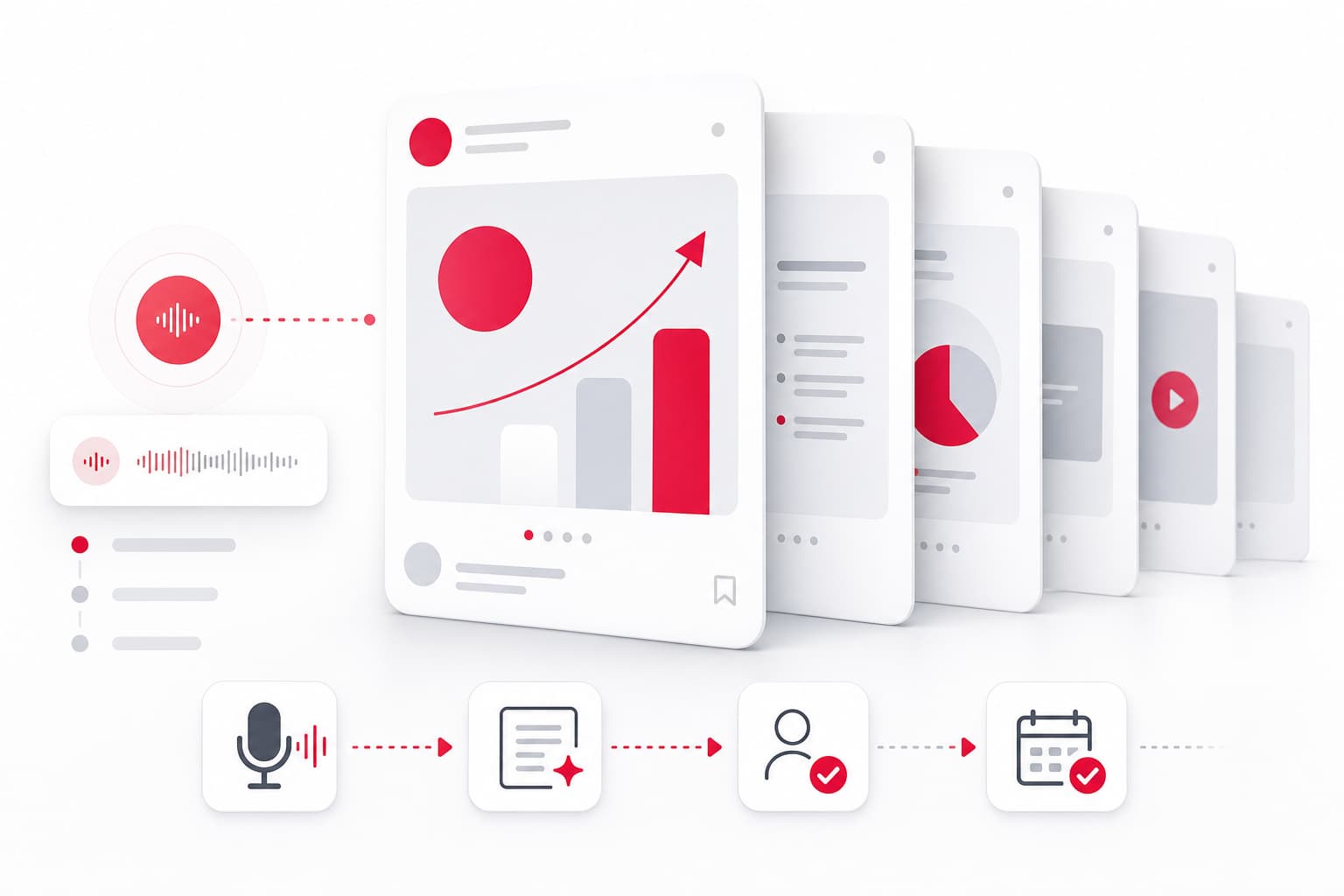
A carousel generator is one piece of a content pipeline. Here's how to connect it:
Capture
Start with a raw idea. A voice note after a client call, a lesson from a product decision, a signal from sales. Capture systems (voice memos, Notion, or dedicated tools) feed the generator.
Generate
Paste your idea or URL into the AI carousel generator. Review the draft. Most tools produce 80% usable output—you refine the hook, adjust one slide's copy, and move on.
Validate
Don't auto-publish. Review the carousel for accuracy, tone, and brand alignment. This human checkpoint prevents generic AI output from diluting your voice.
Schedule
Export and queue in your scheduling tool. Batch a week's carousels in one session, then move on to other work.
Recycle
A performing carousel becomes a blog post, a short video script, or a newsletter section. Multi-format recycling extends the ROI of every idea.
This flow mirrors the capture → validation → publication → improvement loop that keeps content sustainable without a dedicated team.
Common Mistakes to Avoid When Using AI Carousel Generators
AI tools accelerate production. They also introduce new failure modes.
1. Accepting Generic Output
The first draft is a starting point, not a final product. If the hook sounds like it could come from anyone, rewrite it. Specificity—names, numbers, context—builds credibility.
2. Inconsistent Branding
Switching templates every post fragments your visual identity. Lock in a brand kit and stick to 2–3 template styles.
3. Ignoring Platform Norms
A LinkedIn carousel pasted into TikTok looks out of place. Resize, reframe, and adjust tone for each platform.
4. Over-Reliance on Templates
Templates save time but can become crutches. Occasionally break the mold with a custom layout or unexpected format to keep your feed fresh.
5. Skipping the Review Step
Publishing AI-generated content without human review risks factual errors, off-brand tone, or awkward phrasing. A 2-minute review prevents a week of regret.
Frequently Asked Questions
Can I create carousels for LinkedIn and Instagram with the same AI tool?
Yes. Most AI carousel generators support multiple platforms with preset dimensions. You'll still want to tweak hooks and CTAs—LinkedIn audiences expect more depth, Instagram audiences respond to punchier visuals—but the core content can transfer.
Are free AI carousel generators good enough for professional use?
For testing the format, yes. For ongoing professional use, free tiers hit limits fast: watermarks, restricted brand customization, and low monthly quotas. If carousels become a regular content pillar, budget $10–$20/month for a paid plan.
How do AI carousel makers generate content for my slides?
You provide input—a prompt, a URL, bullet points, or a topic. The AI structures that input into a slide sequence: hook, supporting points, examples, and CTA. You then edit the generated copy to match your voice and add specifics.
What export formats do AI carousel generators support?
PNG and JPG are standard. PDF works for document sharing or repurposing. Video export (MP4) is available in tools like WaveGen for TikTok and Reels. Choose PNG for Instagram and LinkedIn; video for short-form platforms.
Can I use my own brand colors and fonts in an AI carousel generator?
Most paid tools include brand kit features. You upload your logo, set hex codes for colors, and select fonts. Every generated carousel then auto-applies these settings. Free tiers often lack this—expect manual adjustments.
Start Creating Carousels That Earn Attention
An AI carousel generator won't replace your ideas—but it removes the friction between having an idea and publishing it. The best tools in 2026 let you go from a rough concept to a polished LinkedIn or Instagram carousel in minutes, not hours.
Pick a tool that fits your volume, budget, and platform mix. Set up your brand kit. Build a capture habit so you're never short on raw material. Then let the AI handle the layout while you focus on what actually moves the needle: the insight, the story, the lesson only you can share.
If you're ready to systematize your content pipeline beyond carousels—posts, articles, short scripts—explore how a Content OS can turn 3 minutes of voice notes into a week's worth of content, with human validation before anything goes live.